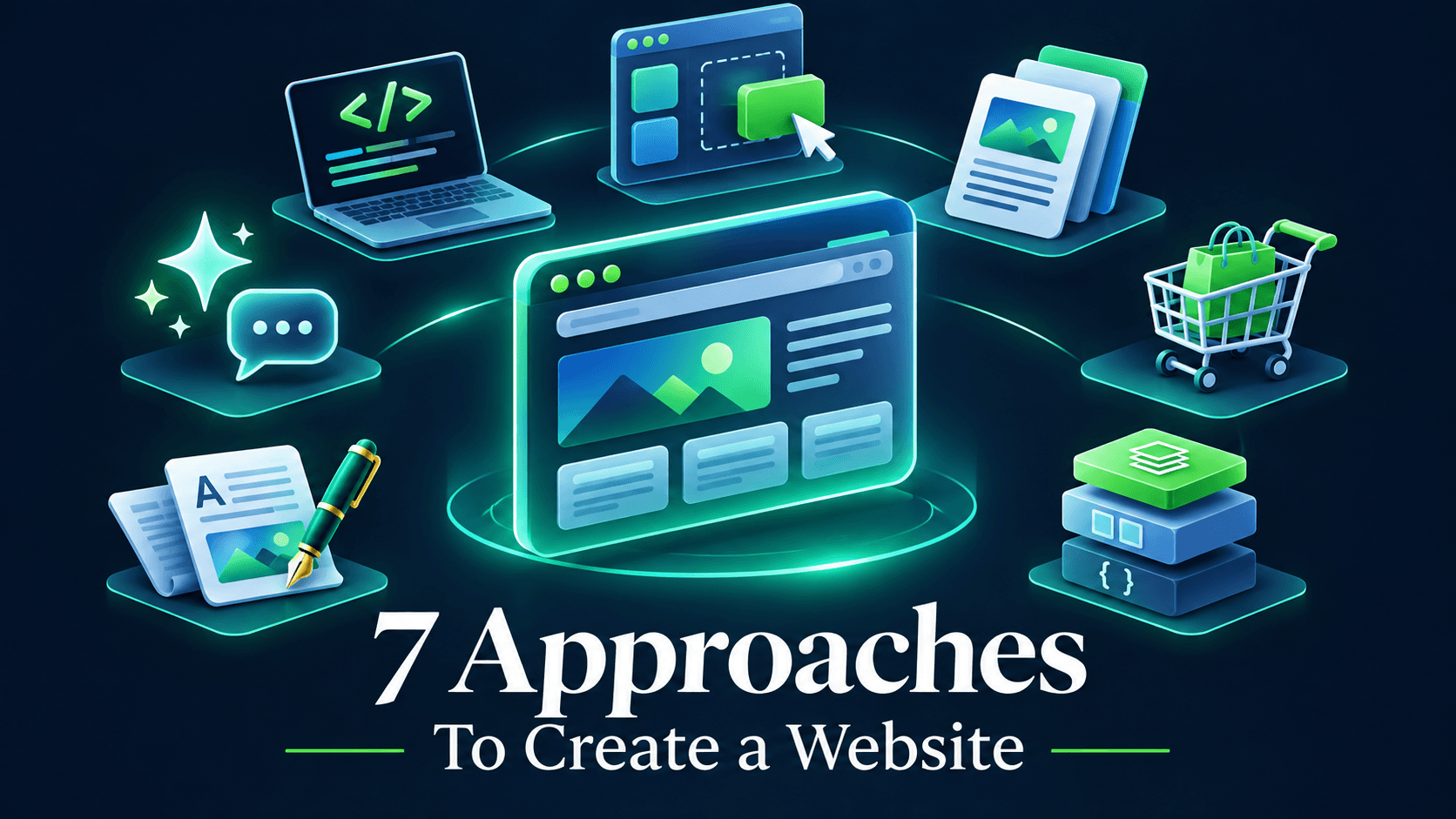
A business owner asking for a website now faces an unusually wide range of choices. You can write code, drag and drop a design, install a publishing system, open an online store, use a development framework, publish on someone else’s platform, or ask AI to help build it. The right choice starts with what the website must accomplish, who will maintain it, and how much time and money you can commit.
These seven approaches follow a broad historical progression. They are overlapping categories rather than a strict invention timeline: hosted communities existed early, and modern products often combine several approaches. AI coding agent, for example, can help develop a framework-based site connected to a CMS (Content Management System).
The seven approaches at a glance
| Approach | Historical context | Best fit | Main tradeoff | Examples |
|---|---|---|---|---|
| 1. Write the code yourself | Early 1990s | Learning and small custom pages | You handle the details yourself | Handwritten HTML, CSS, and JavaScript |
| 2. Visual website builder | Mid-1990s onward | Fast visual editing without coding | Platform and template limits | Wix, Squarespace, Webflow |
| 3. Content management system (CMS) | Mid-to-late 1990s onward | Frequent publishing by a team | Updates, plugins, and maintenance | WordPress, Drupal, Joomla |
| 4. E-commerce platform | Mid-to-late 1990s onward | Selling products online | Fees and platform constraints | Shopify, BigCommerce, WooCommerce |
| 5. Development framework | Late 1990s onward | Custom websites and applications | Technical expertise required | Next.js, Django, Ruby on Rails |
| 6. Hosted publishing platform | 1990s roots; expanded in the 2000s | Writers, authors, and newsletters | Less control over the platform | Medium, Substack, Google Sites |
| 7. AI website builder or coding agent | rapid expansion in the 2024 and later | Faster creation and iteration | Human review and ongoing ownership | ChatGPT, Claude, Cursor |
1. Write the code yourself: understand the foundations
If you are a college student learning Web Development, your professors will typically start with HTML, then CSS, then JavaScript. HTML provides the structure and meaning, CSS controls presentation, and JavaScript adds behavior. This sequence remains a sensible foundation for learning how a browser turns source code into an interactive page. [1]
For larger professional projects, writing every page directly in native HTML, CSS, and JavaScript is less common than using frameworks, components, or generation tools. Plain code still makes sense for simple websites and focused interactions. Whatever tools you choose, you need to understand the underlying principles.
Otherwise, you risk “just knowing enough to be dangerous.” A page can look correct while its form loses submissions, its navigation excludes keyboard users, or its scripts expose private information. Foundational knowledge helps you diagnose those problems and evaluate code produced by a tool or an AI assistant.
2. Use a visual website builder: drag, drop, and publish
Visual website builders let you arrange text, images, buttons, and sections through a visual editor, often using drag and drop. Early desktop tools such as FrontPage and Dreamweaver helped popularize visual editing; services such as Wix, Squarespace, and Webflow later brought different versions of that workflow to hosted platforms. [2]
For non-coders, this is a major productivity improvement. Even if you do not know how to manipulate code, you can create a decent website in a short amount of time. Start with a template, add your business information, adjust the layout, and publish. A restaurant, consultant, or neighborhood service business may get everything it needs this way.
The tradeoffs appear when your requirements move beyond the editor’s capabilities. Custom integrations, unusual interactions, portability, and subscription costs deserve attention before you commit. Test the mobile layout and the actual contact or booking flow, rather than judging only the desktop preview.
3. Use a CMS: let content creators focus on content
A content management system removes much of the programming burden from ordinary content creators. An editor writing a school announcement or uploading a news story should not need an intimate understanding of programming languages. The editor needs a reliable way to draft, revise, organize, and publish the actual content.
WordPress is the undisputed leader by measured CMS usage. W3Techs’ November 2026 overview reports it on 39.3% of all websites and at 58.1% of the identified CMS market. These are different denominators, and neither measures revenue or customer satisfaction. [3]
Its leading position faces pressure as visual builders, hosted services, headless CMS products, and AI-assisted development broaden the alternatives. My view is that easier approaches are gradually eroding WordPress’s default-choice status; market-share figures alone do not establish what causes that shift. A well-maintained WordPress site can still be a practical choice for a publishing team.
Choose a CMS when several people need to publish regularly, especially if you need editorial permissions and consistent content structure. Budget for hosting, updates, backups, and extensions. A headless CMS can also manage the content while a separate framework handles presentation.
4. Use an e-commerce platform: build around the transaction
Online retailers are a special type of website because their core purpose is completing transactions. The success of Amazon.com, which opened as an online bookseller in July 1995 and reached its ten-millionth customer in 1999, helped demonstrate the potential of online retail. [4]
Platforms such as Shopify and BigCommerce package the machinery an online retailer needs: product catalogs, shopping carts, checkout, inventory, and order management. A store has operational demands that a brochure website does not. Shipping rules, refunds, payment failures, and tax configuration all matter after the design is finished.
If selling products is central to your business, start by evaluating the commerce workflow. Compare payment and platform fees, integrations, product options, and the effort required to move your data elsewhere. AI can help customize a storefront, but it does not remove the need for reliable commerce operations.
5. Use a development framework: stop rebuilding the same machinery
Even for professional developers, building a substantial website entirely from basic HTML, CSS, and JavaScript is time-consuming. A web framework does a wonderful job of organizing the application, reusing components, managing page navigation and data, and providing established patterns for common tasks.
For example, Next.js supplies conventions and capabilities for layouts, routing, server and client rendering, data fetching, and asset optimization. A shared navigation component can serve dozens of pages; one improvement can update them all. Frameworks reduce repetitive work and help a growing codebase stay understandable. [5]
Django, Rails, and Next.js illustrate different framework ecosystems; React is a user-interface library commonly used within one. The best choice depends on your application and team. Frameworks create room for custom workflows, member portals, and integrations, but someone must still manage dependencies, security, hosting, and maintenance.
6. Publish through a hosted platform: make writing the main task
For this article, hosted publishing means services aimed primarily at writing and distributing content, rather than the broader category of every service that hosts a website. Medium and Substack are useful examples for professional writers, independent authors, and newsletter publishers. Other hosted tools, such as Google Sites, serve simpler information-sharing needs.
Medium lets writers focus on ideas instead of maintaining a publishing system. Its About page reports more than 100 million people connecting and sharing knowledge there each month. That is an audience figure, not a verified count of authors or a guarantee of content quality. It nevertheless illustrates the scale available to writers on an established platform. [6]
You exchange some control for convenience and distribution. Review custom-domain support, subscriber exports, monetization rules, and access to your audience. If your main product is your writing, this can be a strong starting point. If your business needs a distinctive brand experience or complex services, you may also need an independent website.
7. Use an AI website builder or coding agent: describe, generate, refine
AI is the latest major expansion of this toolkit. ChatGPT’s release on November 30, 2022 made conversational AI accessible to a broad public. Its launch examples already included code-related tasks. AI code generation existed earlier, but the idea of asking an assistant to help create a website became much more familiar after this turning point. [7]
Today, AI can generate layouts and code, revise pages, diagnose errors, and help assemble substantial websites from natural-language instructions. AI website builders emphasize a guided publishing experience; coding agents work more directly with a codebase and development tools. In my own work at Grassrootech, I use ChatGPT to build websites for customers every day.
This changes the developer’s workload. More time can go toward clarifying requirements, evaluating design, testing behavior, and improving the business message. Generated code still needs review. A convincing preview is only one milestone: forms, accessibility, mobile behavior, data handling, and deployment must work too.
The first impact: lower cost and shorter turnaround
In the 2000s and 2010s, a business could encounter quotes of $5,000–$10,000 and schedules of five to six months for a professionally built website. Those figures describe a type of agency project, rather than a measured historical average for every website.
For a modest, clearly scoped business site, my experience with AI-assisted delivery points toward a much smaller budget: roughly $500–$1,000, with turnaround measured in weeks. When the text, images, and requirements are ready, a decent site can sometimes take days. These are illustrative project budgets and timelines, not a universal price list or a guarantee. Custom applications, stores, migrations, and integrations can require much more work.
The fairest comparison uses the same scope and separates the initial build from hosting, subscriptions, content creation, and ongoing support. Faster code generation reduces labor; it does not eliminate the value of good design, reliable delivery, or clear communication.
The second impact: discovery through AI answers
AI is also changing how people find businesses. Users can ask a conversational question and read a synthesized answer without visiting the underlying websites. In Pew Research Center’s analysis of browsing data from 900 U.S. adults in March 2025, users clicked a traditional result link on 8% of visits to Google search pages with an AI summary, compared with 15% on pages without one. Links inside summaries were clicked on 1% of visits. This is evidence of different observed click behavior, rather than proof that AI summaries alone caused the difference. [8]
This has expanded attention from SEO—Search Engine Optimization—to GEO, or Generative Engine Optimization. GEO concerns visibility in generated answers, including whether a business or its material is mentioned or cited. A research paper introduced a framework for studying that problem. [9]
SEO remains relevant. Google says its established SEO practices also apply to AI Overviews and AI Mode, with no special additional technical requirements. [10] For a business owner, the practical response is to publish clear service descriptions, accurate business details, useful answers, and original evidence that readers and search systems can understand. Measure qualified inquiries and sales alongside visits and search visibility.
Build vs. Buy: who should do the work?
Here, Build means DIY—Do It Yourself: you or your own team create the website. Buy means outsourcing the work to a third-party agency or professional. This is a separate decision from the seven approaches. You can build with a visual editor or AI, and an agency can use a CMS, framework, or commerce platform.
If you have the people, technical capacity, and time to handle the work, I would say go ahead with Build. You gain direct control and a close understanding of the system. Include the time spent learning, testing, maintaining, and troubleshooting in the real cost. An inexpensive tool is only one part of the budget.
Other business owners want to focus on their businesses and let specialists handle the website. That is a sensible reason to Buy. You are paying for someone to translate your goals into a functioning site, manage delivery, and remain accountable for the result.
Because website creation has become easier, owners can reasonably expect a lower price for a comparable, straightforward project. Ask the provider to explain the scope and ongoing costs. Confirm ownership of the domain, accounts, content, and source code where applicable; also agree on revisions, support, and what happens if you change providers.
A hybrid can work especially well: have an agency build the initial site, then give your staff a simple way to update routine content. Outsource the technical demands while keeping everyday publishing close to the business.
Which approach is your choice?
Start with the outcome. A student learning the web benefits from approach 1. A small business needing a simple online presence may prefer approach 2 or 7. A publishing team often needs approach 3, a retailer approach 4, a custom application approach 5, and an independent writer approach 6. These are starting points, and combinations are often the best fit.
- Purpose and complexity: Is the goal to inform, publish, sell, take bookings, or run a custom business process? Test the most important workflow first.
- People and editing: Who will change the site every week? Choose an editing experience those people can actually use.
- Budget and time: Compare the initial build, subscriptions, maintenance, and staff hours over several years. A tight launch deadline favors a smaller first release.
- Ownership and portability: Can you export the content, transfer the domain, and move the site? Understand the cost of leaving a platform.
- Reliability and responsibilities: Identify who handles backups, updates, accessibility, security, and failed transactions or inquiries.
- Growth and discovery: Consider the next integration, language, product line, or location. Make your content useful to people and discoverable through both conventional search and AI answers.
My choice for many Grassrootech customer projects is AI-assisted development combined with a modern framework, adding a CMS or commerce service when the business needs it. It gives me a practical balance of flexibility, speed, and cost. Your choice should follow your own goals, resources, and ability to maintain the result.
The most useful question is: which approach will help you launch a website you can afford, operate, and keep improving?